
Choose a location
Use the current Finder folder, a selected file, or any folder background.
A focused bridge from Finder to the terminal. Open the current location, keep your preferred provider, and get out of the way.
One small action
WorkDock keeps the handoff predictable, whether you use a Finder menu, the toolbar, or the menu bar.
Use the current Finder folder, a selected file, or any folder background.
Terminal, iTerm2, and the providers available on your machine stay in one preference.
WorkDock opens a new window or tab and applies your command template safely.
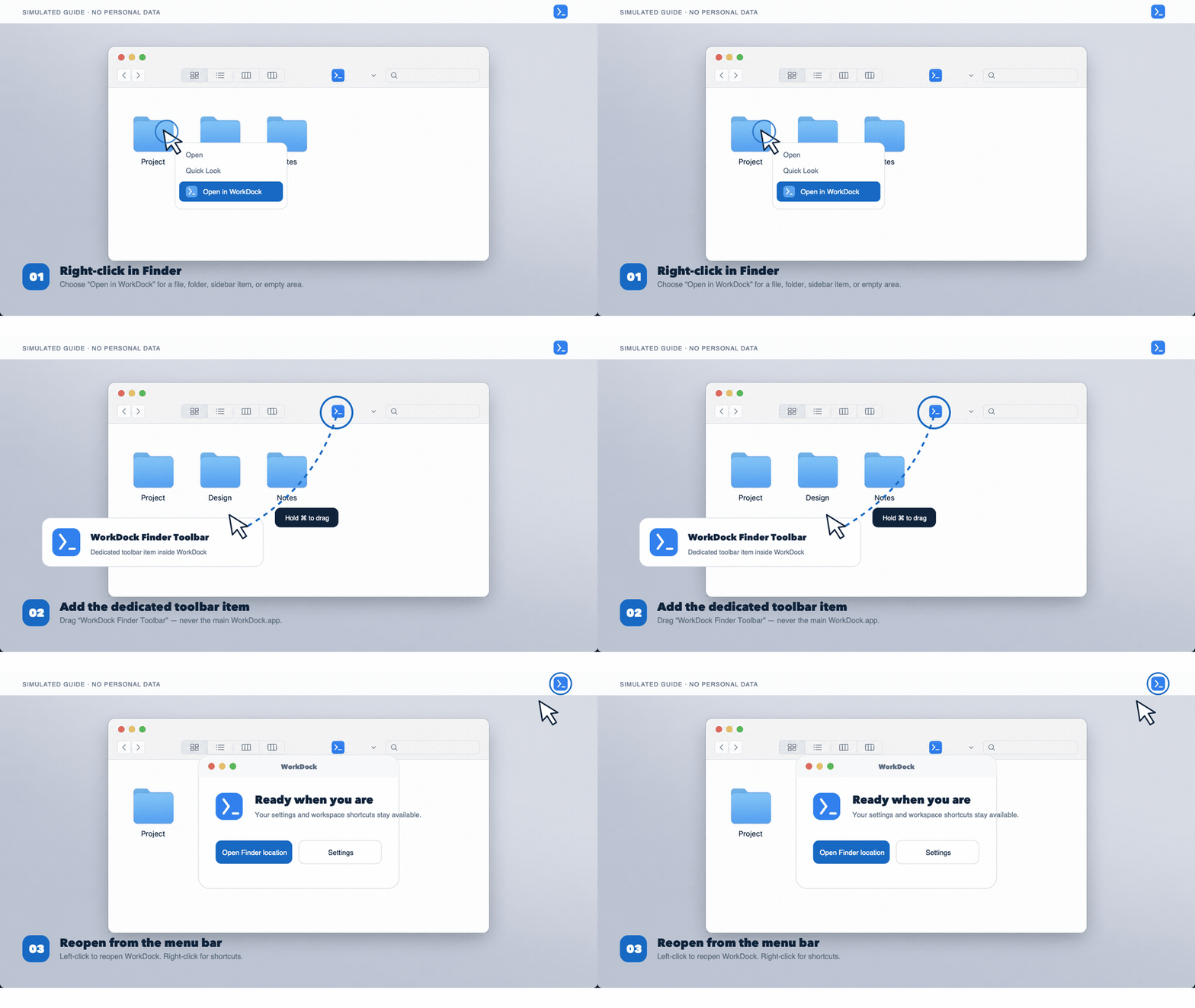
This animation uses a simulated interface and fictional items. It contains no real computer, account, or file information.
How to use WorkDock
Use the Finder context menu for selected locations, install the dedicated toolbar item for one-click access, or reopen WorkDock from the menu bar.
Right-click a file, folder, sidebar item, or empty folder area, then choose Open in WorkDock.
In File Manager settings, choose Show Toolbar Item in Finder. Hold Command and drag WorkDock Finder Toolbar—not the main WorkDock.app—into the Finder toolbar.
After closing the window, left-click the WorkDock icon to reopen it. Right-click for shortcuts.
Features
The app stays close to macOS conventions while taking care of the repetitive handoff.
Toolbar, service, context menu, and current-location actions use the same workspace logic.
A single preference chooses the best installed terminal, with explicit fallback when one is unavailable.
Public releases are downloaded with progress, SHA-256 verification, and a clear install step.
Left-click wakes the app. Right-click keeps quick actions available after the window closes.
Release notes
Public releases are downloaded with progress, SHA-256 verification, and a clear install step.
View all releasesLaunch downloaded macOS packages without the packaged-resource crash that
Reopen the same WorkDock interface from the menu bar instead of creating a
Open the selected file, folder, Finder location, or file-manager location in
Use the dedicated Finder toolbar item without replacing its location action
Configure terminal providers, launch modes, and command templates from WorkDock Settings.
Use the interface in 20 supported languages.
Check for updates from the public WorkDock release repository.
Install from refreshed macOS, Windows, and Linux packages with consistent
Across your desktop
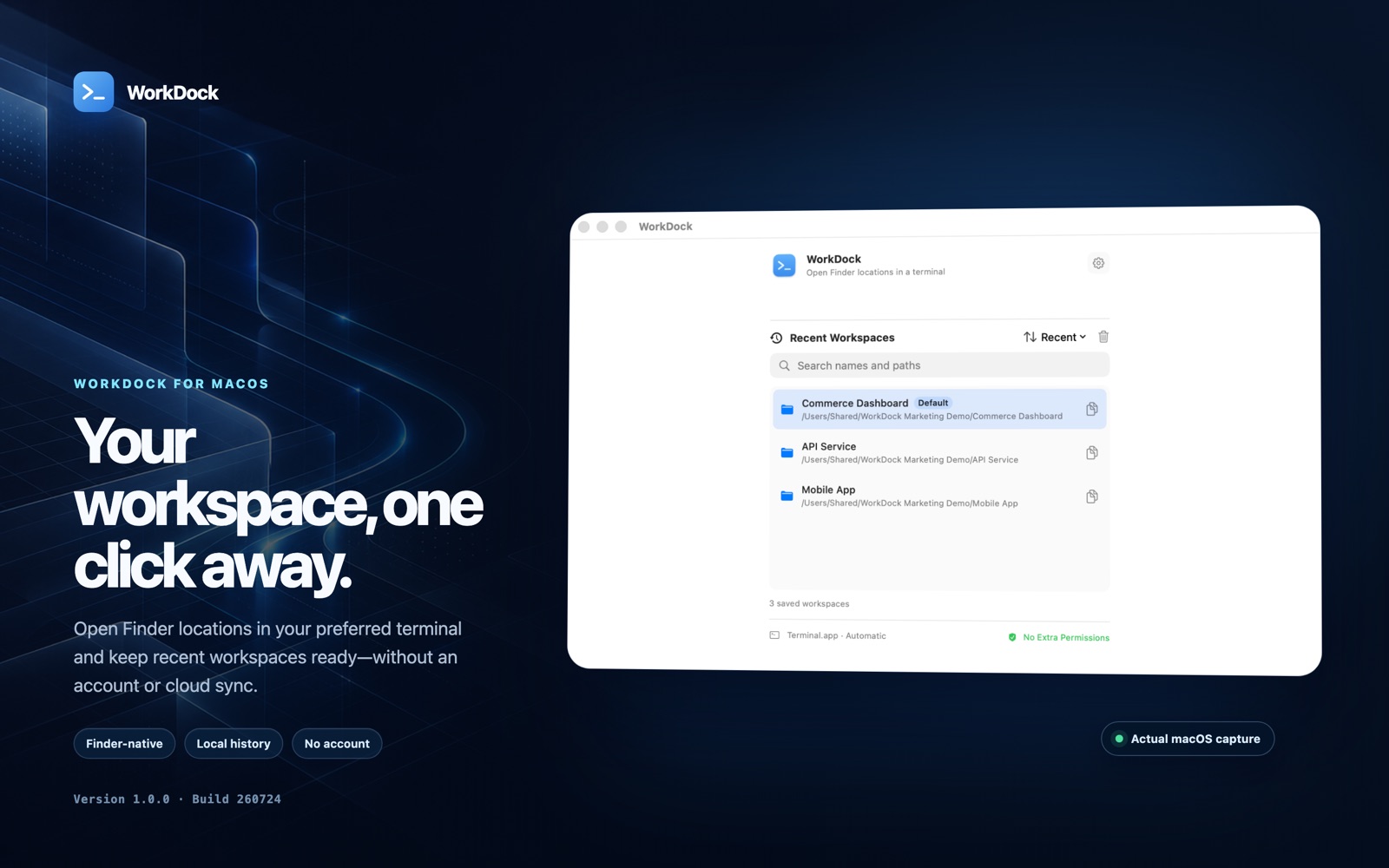
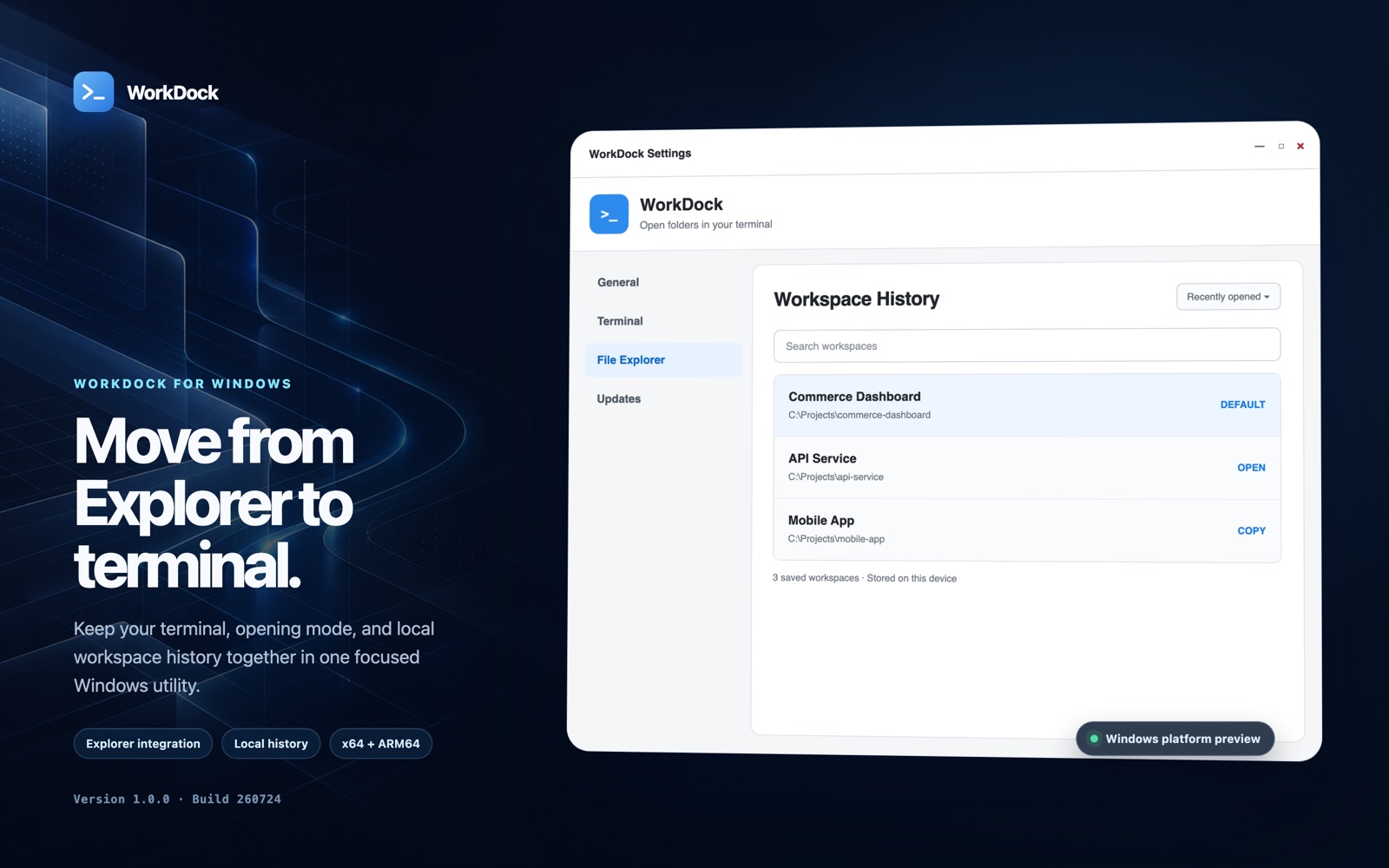
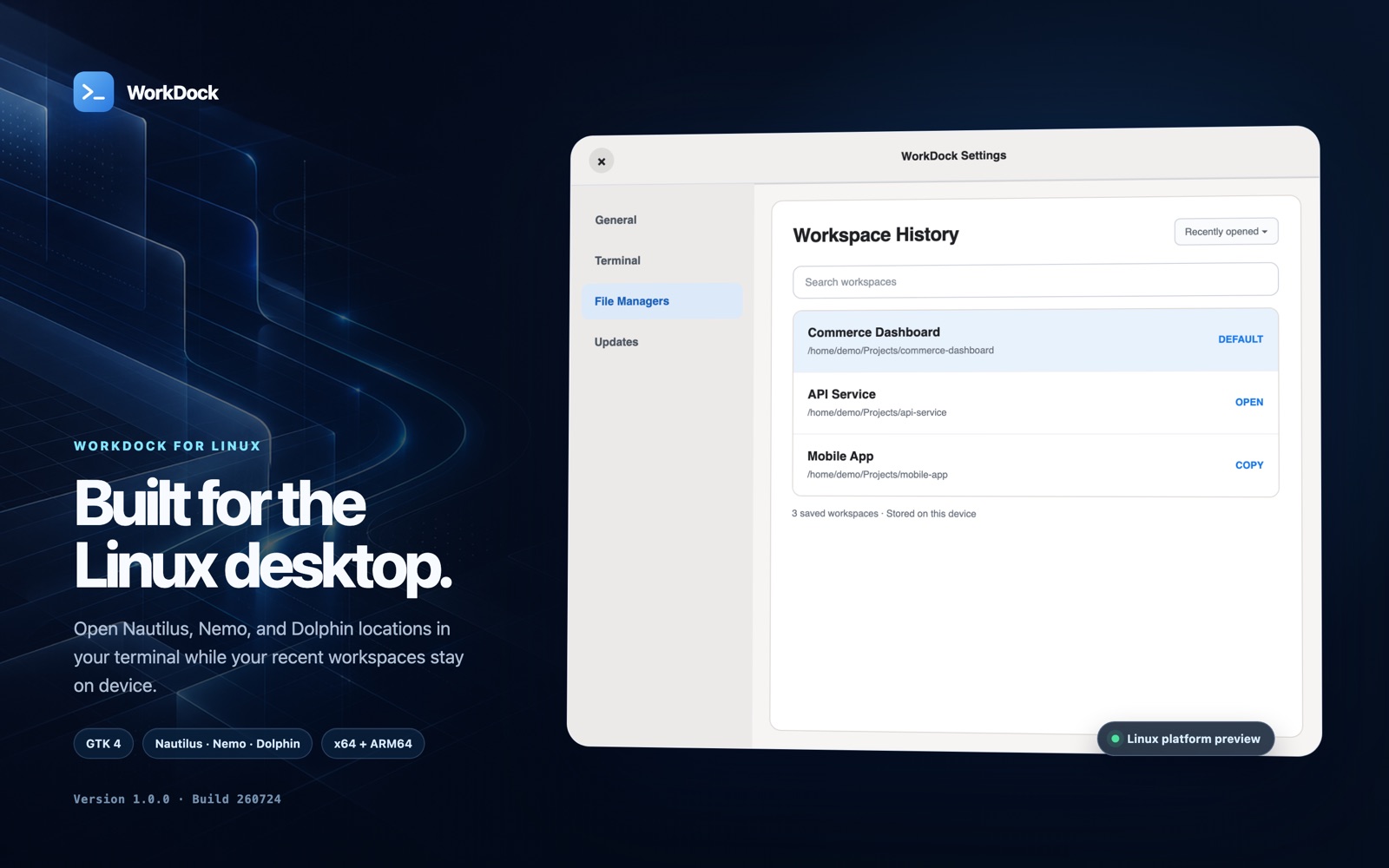
See the real macOS application and clearly labeled previews of the Windows and Linux experiences built from the same local-first core.
Install WorkDock
Version 1.0.0 (2607291112)
macOS packages are signed and notarized. Windows and Linux packages disclose their unsigned status and include SHA-256 checksums.
macOS 14+ · Apple silicon and Intel · signed and notarized pipeline
brew install --cask zyravo-store/workdock/workdockWindows · x64 and ARM64 · currently unsigned · SHA-256
EXE and MSI install for the current user and add the Explorer menu automatically.
Linux · x86_64 and AArch64 · currently unsigned · SHA-256
System packages request approval through the package manager; portable formats stay in your user account.